
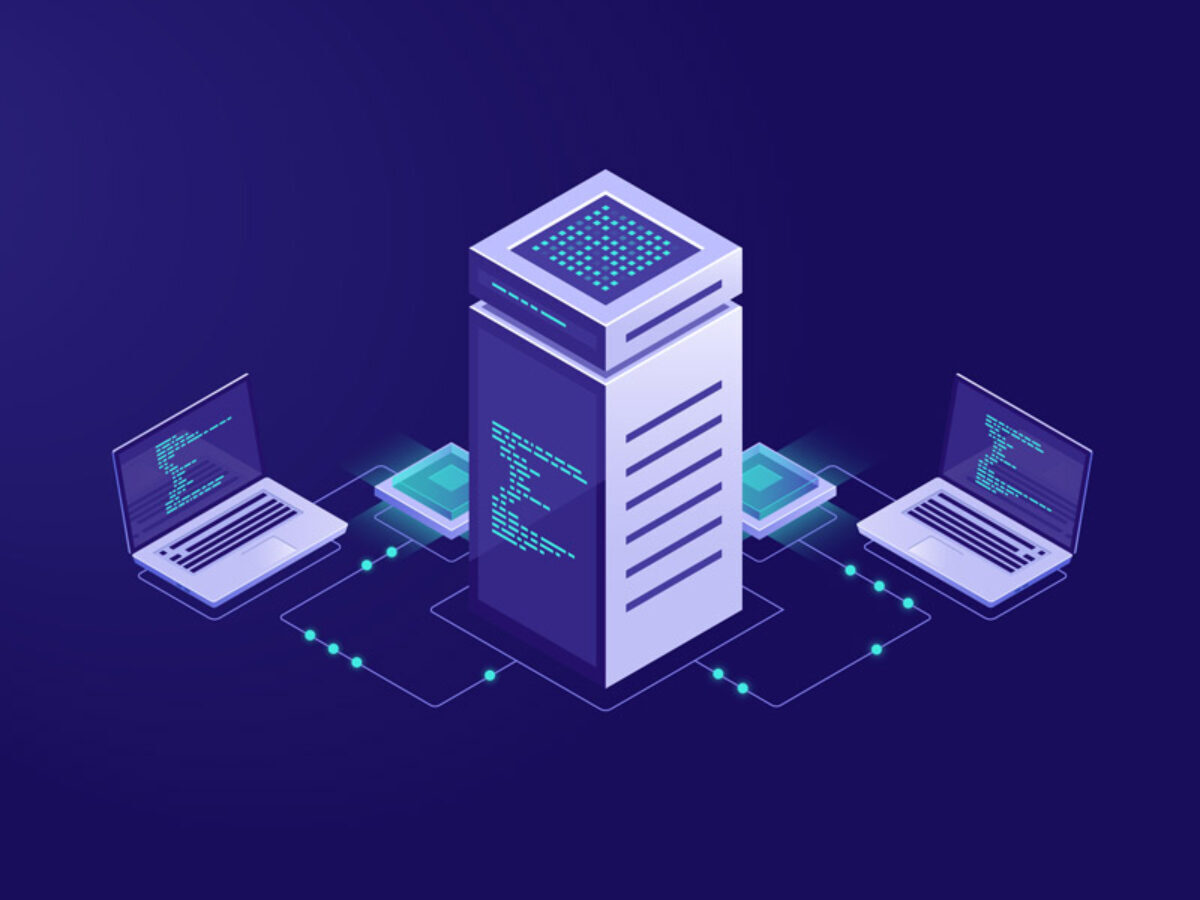
Why a cloud server matters
A cloud server is a flexible virtual server built on physical hosts. You are not locked to one box you purchased. You reach it from anywhere with an internet connection. Small projects and growing companies both use that flexibility. It also reduces the risk of depending on a single machine.
Start with the cloud server overview.
How it works
The platform pools resources from more than one physical server. You can raise or lower CPU, RAM, and disk as the workload changes. Virtualization keeps each virtual server separate. A fault on one host does not have to stop every customer. Load is spread more evenly than on a single shared box.
Details are in the features section.
Advantages
- Scaling as the site grows
- Performance without buying the hardware
- A design that survives a single hardware fault more easily
- Remote access
- Resources sized to the plan
Maintenance is handled as part of the platform. Teams spend less time on the building and the power. In busy periods a stable platform is what visitors notice.
Deployment models
Cloud infrastructure is usually described in three models. Each one fits a different job.
Public cloud
Shared platform capacity keeps the entry cost down. It fits a new project.
Private cloud
The resources are reserved for one organization. Control and security boundaries are tighter.
Hybrid cloud
Private and public capacity are used together. Critical data can stay on the private side, while more flexible applications run on the public side.
Typical workloads
A cloud server is a common choice for:
- Websites whose traffic rises and falls
- Online shops
- APIs and SaaS applications
- Teams that work remotely
- Startups that are growing quickly
- Systems that serve more than one location
Examples are on the use-case section.
Publishers and campaign sites see traffic spikes. A cloud server is there so the site does not become unreachable at the peak. Visitors and search performance both depend on the site staying up. A single traditional server is more likely to bottleneck under the same spike.
What to check before you order
- How much CPU, RAM, and disk you need
- Security requirements and any regulation that applies
- Backup and disaster recovery, and whether they are included
- The support level
- How fast you can scale, and what it costs
Read the price before you order so the invoice is not a surprise. That keeps the budget predictable. Also read the provider’s SLA. OwnHost states the uptime target on the plan pages that include one.
Cloud server and a dedicated server
A dedicated server is one physical machine. Adding resources often means different hardware. A cloud server changes resources on the platform and scales with the plan. Projects that cannot predict growth usually start here. You balance monthly cost and how fast you can add capacity.
Security and performance
A cloud platform can be both secure and fast when it is configured. Security settings still need review. Encryption, access control, and a backup policy you have actually checked are the practical pieces. A planned architecture supports continuity and data protection. Test it on a schedule.
Further reading
In short
A cloud server is a practical platform when you need performance and flexibility. Plan the resources and you get a setup you can secure, speed up, and scale. Visitors see a site that stays available, and the team spends less time on hardware.
Frequently asked questions
Short answers to the questions this article is most often asked.
1 What is the difference between public, private, and hybrid cloud?
Public cloud shares platform capacity. Private cloud reserves resources for one organization. Hybrid uses both.
2 Does a cloud server replace a dedicated server?
Not for every project. A dedicated server is one physical machine. Projects that cannot predict growth usually start on a cloud server.
3 Should I read the SLA before ordering?
Yes. The uptime target and what support includes belong next to the price.